
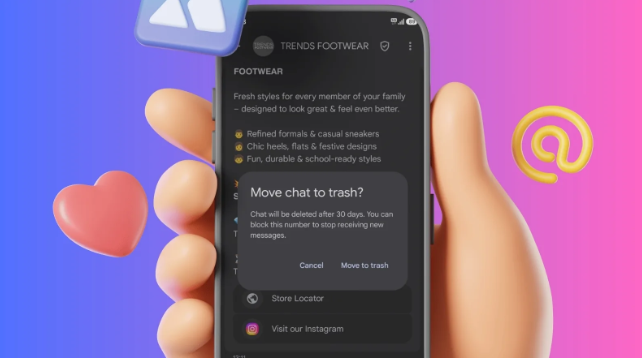
Google built this feature to be easily accessible. Users can move conversations into Trash either by setting up a swipe action or by touching and holding one or more chats and tapping the Trash icon. To enable the swipe shortcut, users need to head into Messages settings, open Swipe actions, and assign Trash to either the left of right swipes.
There is also one small catch.
If you receive a new message in a conversation that is currently in Trash, that incoming message can appear as a new conversation in your inbox. So Trash is not necessarily a holding area for chat threads you are trying to avoid.
If you receive a new message in a conversation that is currently in Trash, that incoming message can appear as a new conversation in your inbox. So Trash is not necessarily a holding area for chat threads you are trying to avoid.